Why Can't I Print My Tickets Anymore? (And How to Fix It)
Frustrated that you can't print your Ticketmaster or StubHub tickets? We explain why the "Print at Home" button disappeared and the best way to still get a physical ticket stub for your collection.

Cory W.
on
Dec 6, 2025

You just bought tickets to the biggest show of the year. You open the confirmation email, looking for that familiar PDF attachment to print out and stick on your fridge.
It’s not there.
You log into your account. You see the "View Mobile Ticket" button, but the "Print at Home" button is gone. Grayed out. Missing.
If you are panicking—or just annoyed—you are not alone. This is the https://www.google.com/search?q=%231 complaint among modern concert-goers.
Here is the technical breakdown of why you can’t print your tickets for entry anymore, and the only way to still get a physical stub for your collection.
The Villain: "Dynamic Barcodes" (SafeTix)
The reason you can’t print a screenshot or a PDF anymore is a technology called SafeTix (used by Ticketmaster) or Dynamic QR (used by AXS/StubHub).
If you look closely at your ticket in your Apple Wallet or Google Pay, you will notice the barcode isn't static. It has a shimmering blue line moving across it, or the QR code changes its pixel pattern every 15 seconds.
This means:
Paper is useless: A printed piece of paper is a "snapshot" of a code that expired 10 seconds ago. If you scan that paper at the gate, it will reject you.
Screenshots are blocked: This is why app screenshots often trigger a "This ticket is not valid" warning.
The venues forced this change to stop scalpers from selling the same PDF to 50 different people. It’s great for security, but it’s terrible for memories.
The Problem: The "Empty Scrapbook"
This shift to "Mobile Only" has created a massive gap for fans.
You can't gift a mobile ticket (wrapping a phone is weird).
You can't frame a mobile ticket.
You can't save a mobile ticket (it deletes itself after the event).
So, if you want a physical ticket, do you have any options left?
The Solution: The "Replica" Loophole
While you cannot print a ticket for entry, you absolutely can print a ticket for your archives.
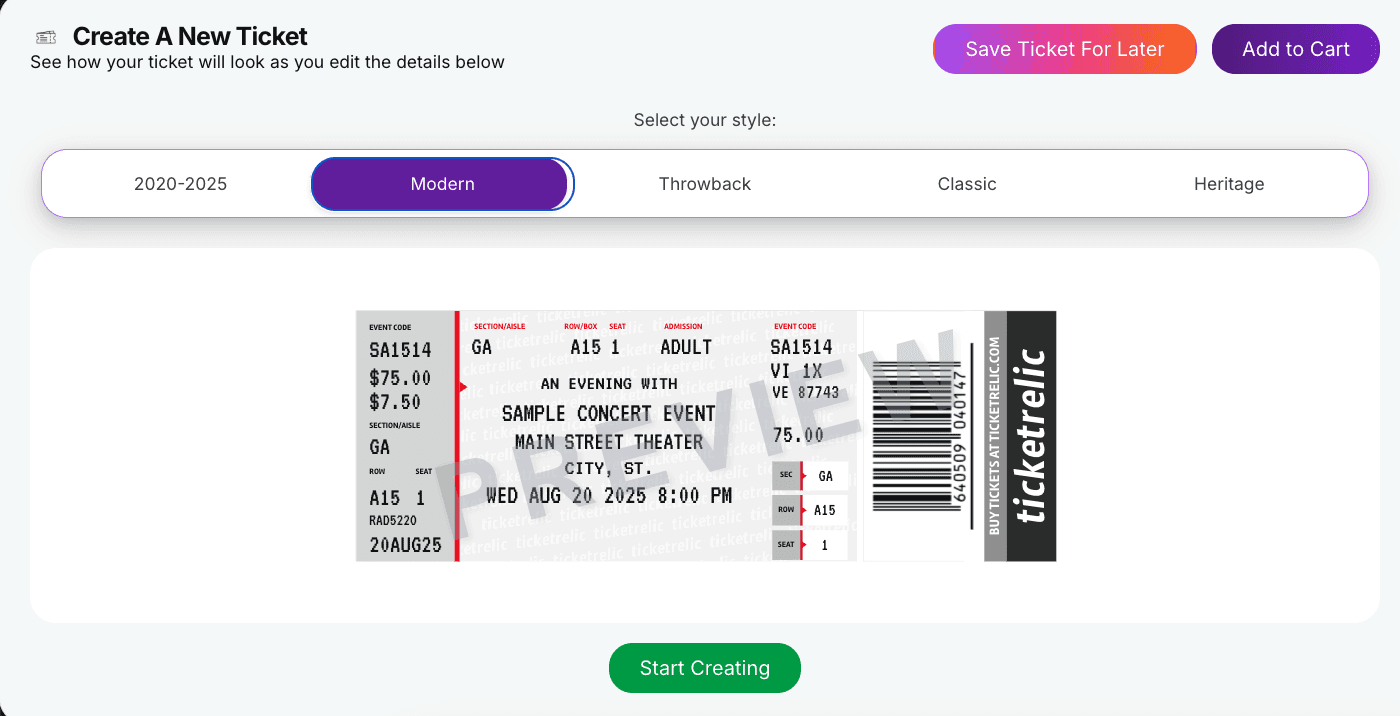
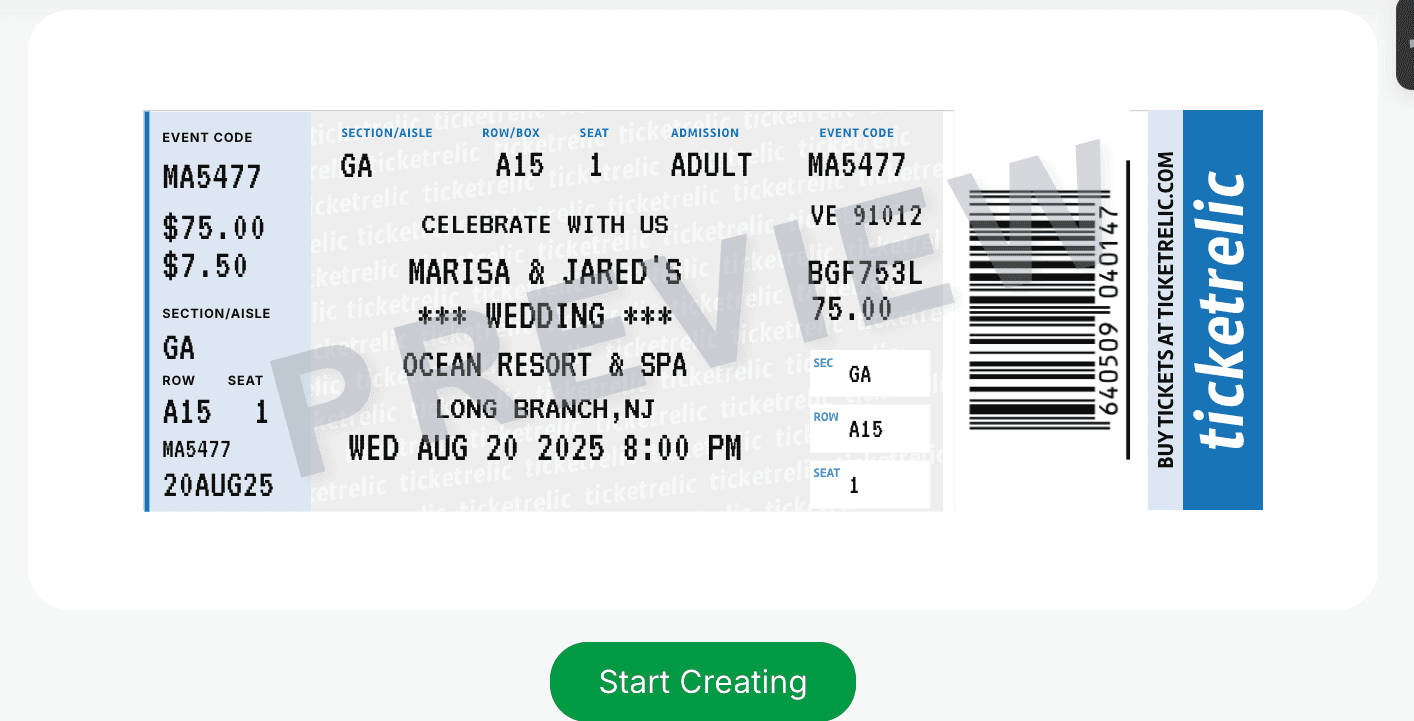
This is where Ticket Relic bridges the gap. We specialize in creating Replica Ticket Stubs that solve the "Mobile Only" blues.
Since you don't need the barcode to work at the gate (you have your phone for that), we can focus on making the ticket look better than the cheap thermal paper you used to get.
How to Turn a Mobile Ticket into a Physical Keepsake
Step 1: Secure Your Entry Always keep your mobile ticket in your digital wallet/email for the actual concert entry. Do not try to use a replica to get past security—it won't scan!
Step 2: Use the Ticketrelic Generator Take the details from your mobile ticket (Section, Row, Seat, Date) and input them into our Custom Ticket Creator.
FAQ: Common Printing Questions
"Can I just Photoshop it?" You can, but getting the perforation (the tear-off line) and the paper weight right is nearly impossible on a home printer. Standard printer paper feels like... homework. It doesn't feel like a ticket.
"Will the box office print one for me if I ask?" In 2025? Rarely. Most venues have removed their ticket printers entirely to go "contactless." If you ask the box office, they will usually just point to a sign that says "Mobile Entry Only."
"What about my old emails?" If you are trying to print tickets from concerts before the SafeTix era (pre-2019), you might still have the PDFs in your email. Use our Scanner Tool to find those old PDFs automatically.
Conclusion: Adapt Your Collection
The era of "Print-at-Home" for entry is dead. The technology has moved on.
But the era of collecting tickets is just getting started. By separating the "Entry Token" (your phone) from the "Souvenir" (your replica), you actually get the best of both worlds:
Fast, secure entry at the gate.
A beautiful, fade-resistant ticket for your wall.
Don't let your memories disappear with the app update. > Create a Physical Copy of Your Mobile Ticket Here